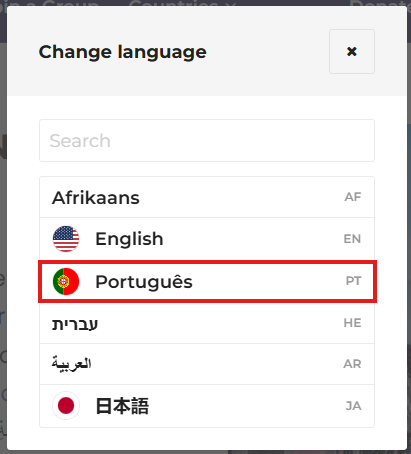
CBS Connect now allows each participant to select their preferred language, so they can view the site in the language they are most comfortable using.
To Choose a Preferred Language:
1. Go to your CBS Connect Homepage and click on menu box located next to your profile.
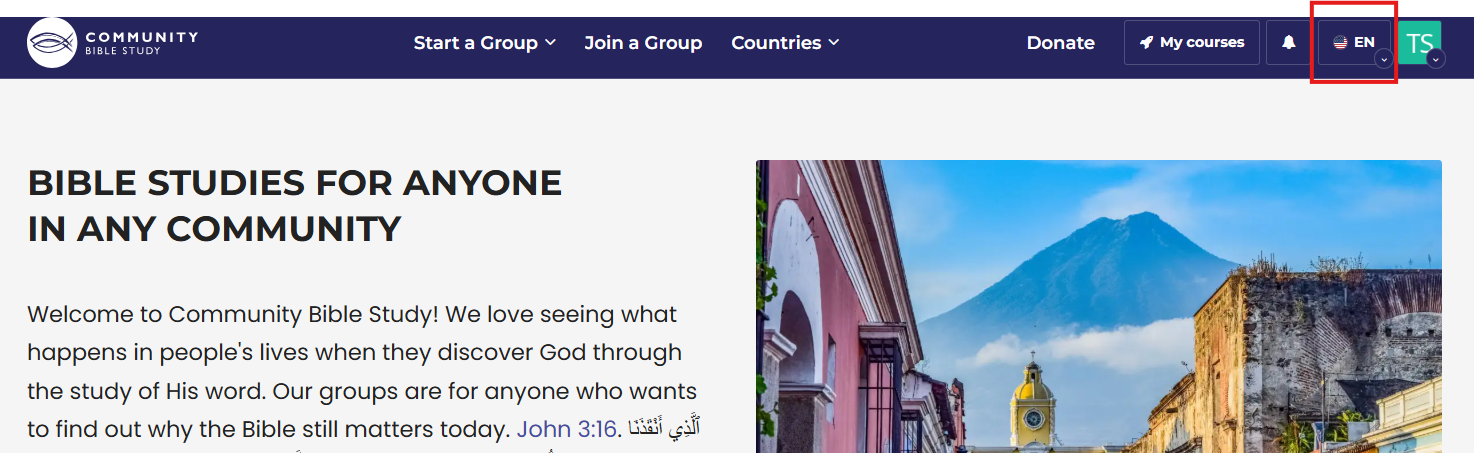 Note: You will first see the selected default language displayed in the menu box together with its language abbreviation.
2. A pop-up menu will appear giving you the option to search and select the language you would like to use.